Everything you need to coach and grow.
Training and nutrition programs, check-ins, messages and payments in one place. It works for 1:1 coaching, group coaching and courses. Running since 2019, with over 400,000 people coached.
01–03 The coaching toolkit
Training, nutrition and tracking in one place. Your clients keep their rhythm and you stay on top of things.
Programming
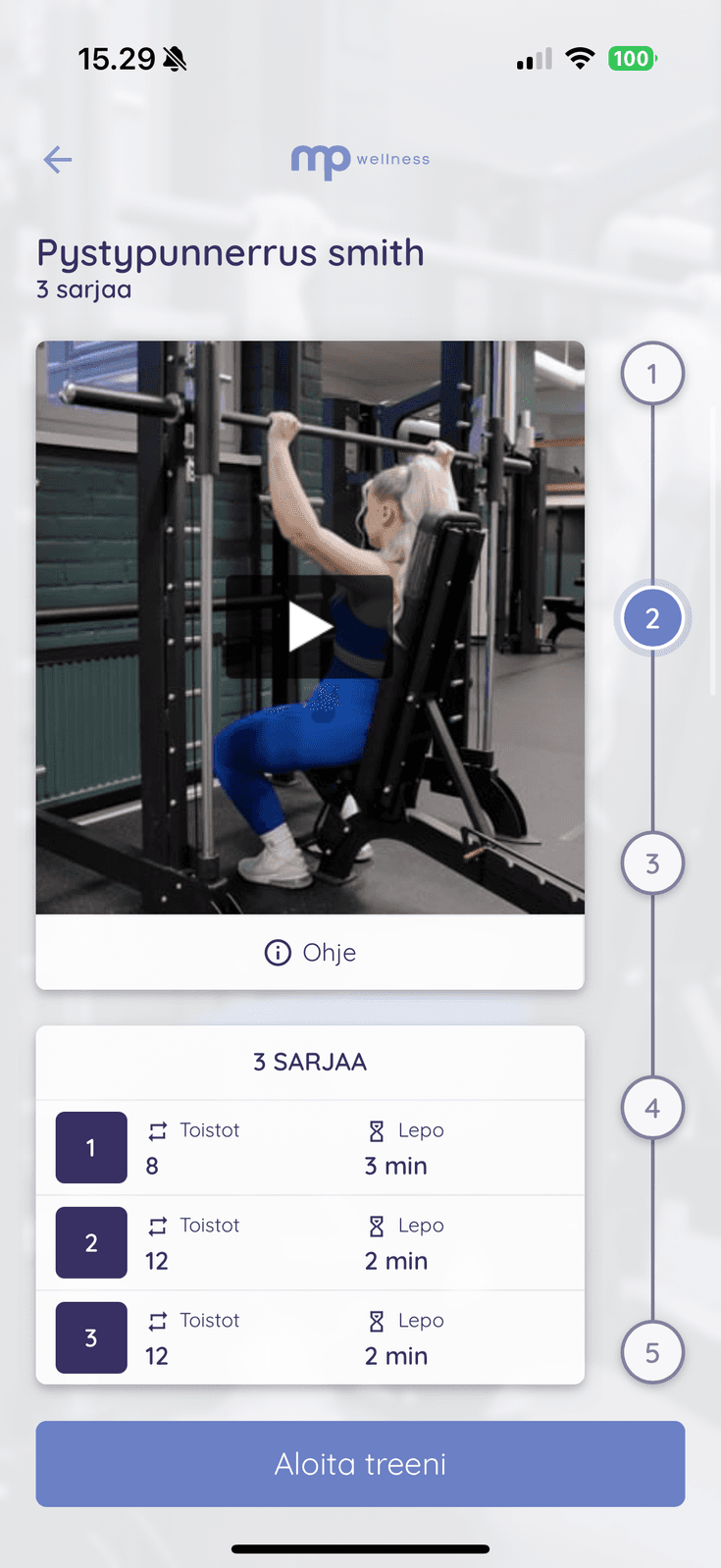
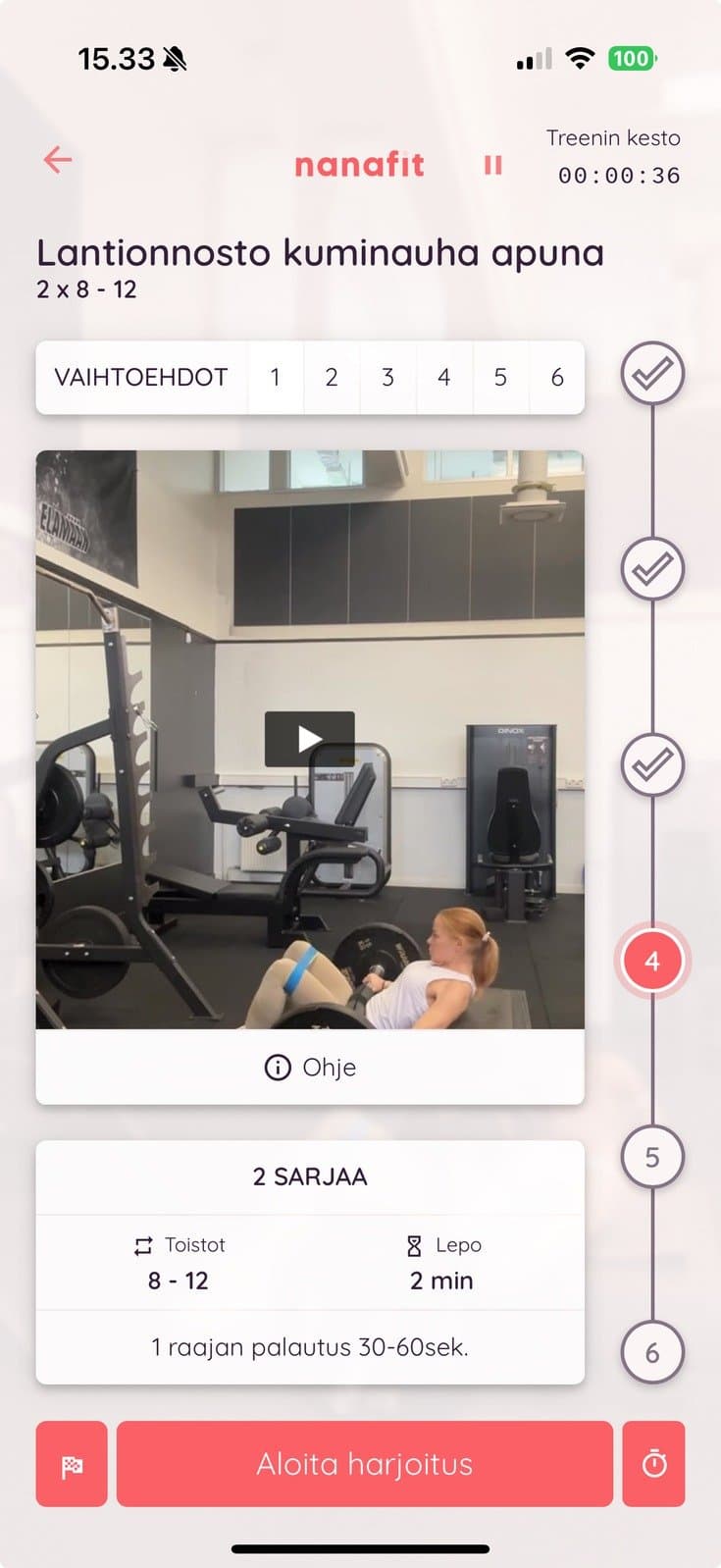
Build training programs clients actually do. Schedule training blocks weeks ahead, so a progressive program is ready. Build combined exercises such as supersets, AMRAPs and EMOMs. The client app handles the timing.
- Over 1,000 exercises with video in Trainda content, ready for every coaching and course
- Your own exercises and videos in your own collections, next to Trainda content
- AI drafts the workout, you finish it
- An alternative exercise and your own note on any exercise
- See one client's week in the coach dashboard and adjust it on the spot
- Templates for training blocks and workouts, reused from one coaching to the next
Nutrition
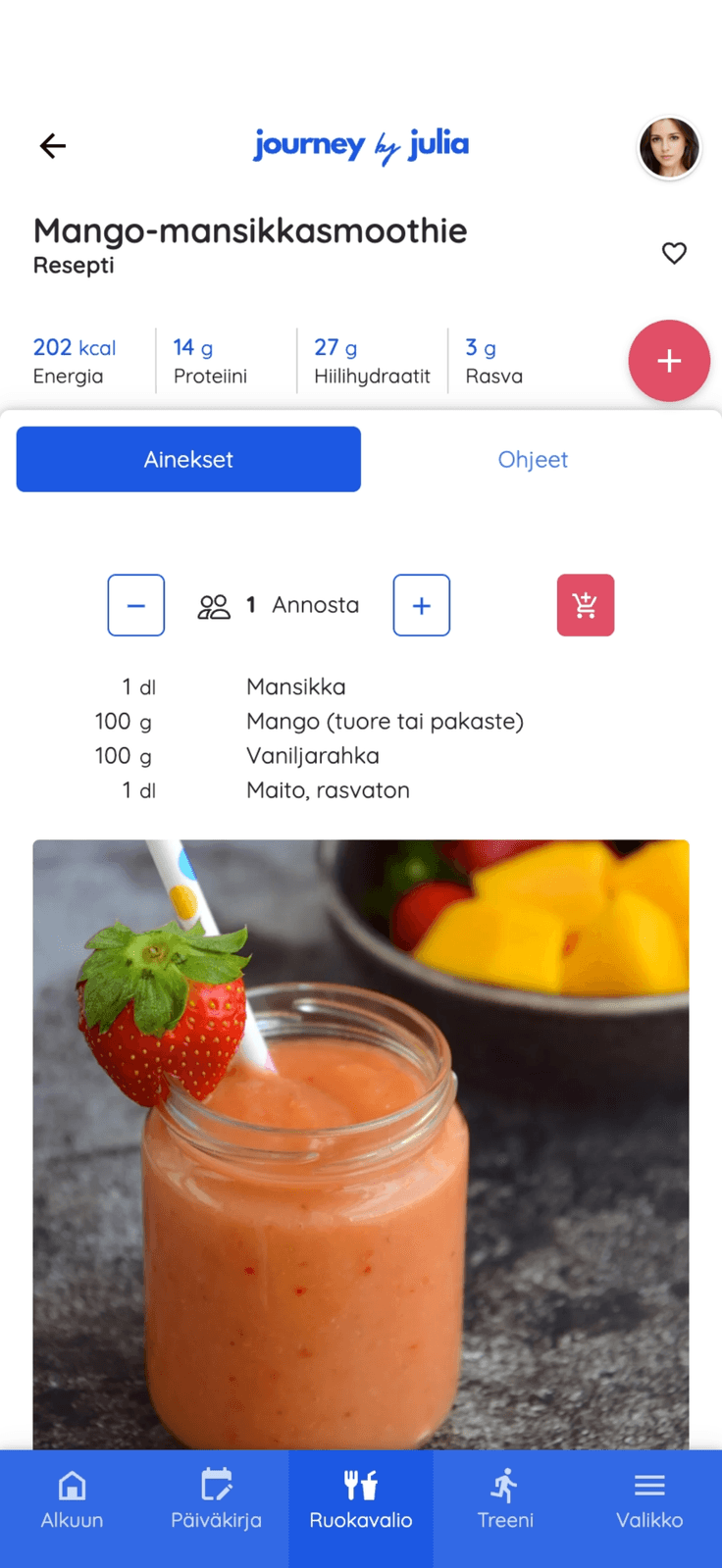
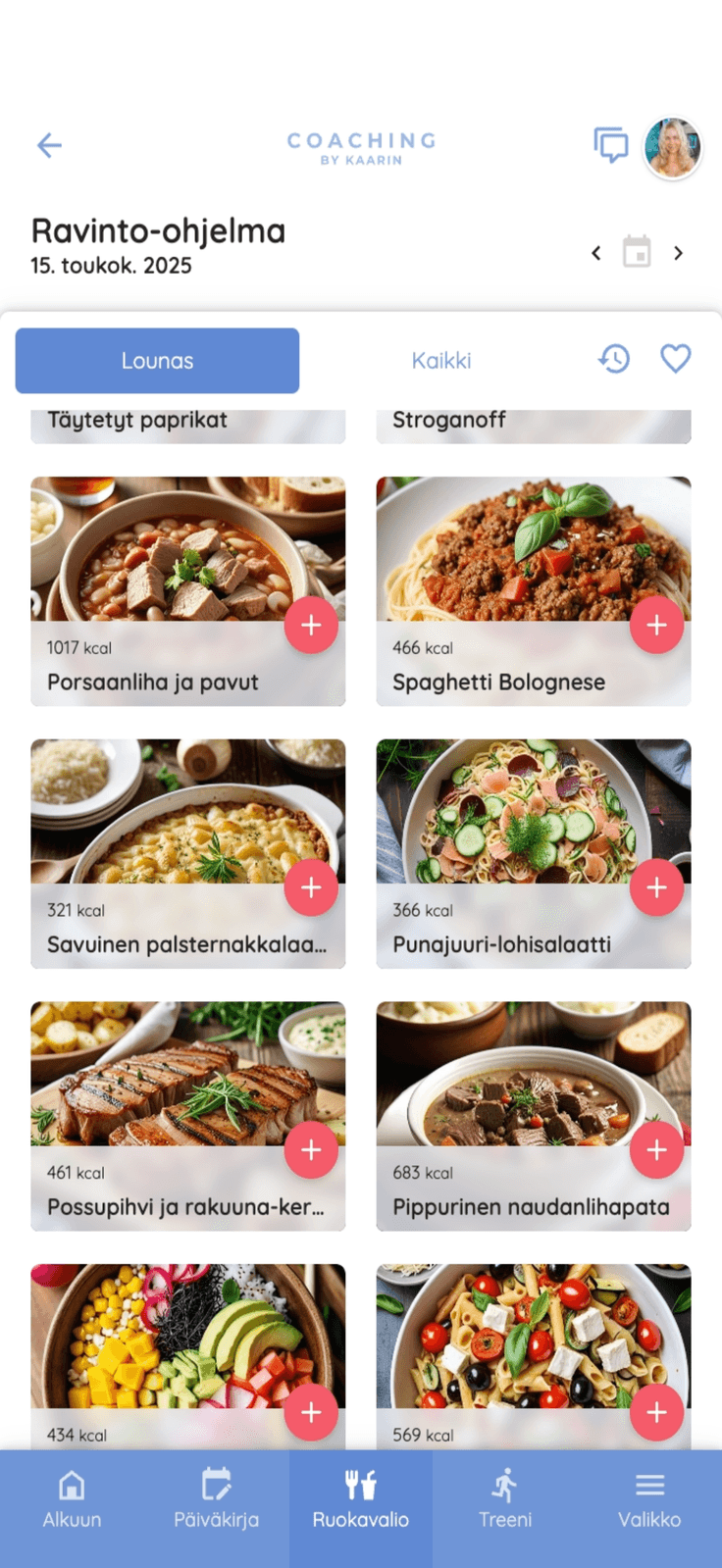
Nutrition programs that fit everyday life, no spreadsheets. Set the client's macro split and the day's meals, and recipe portions scale to the targets automatically. A nutrition program is built from blocks just like training, week by week or at the rhythm you choose. Sell nutrition as part of group or 1:1 coaching, or as a course of its own.
- Grow your own recipe collection fast with AI
- Recipes and custom meals in the client's nutrition program
- The tool suggests recipes that fit the remaining macros
- A ready ingredient database you can extend with your own ingredients
- Trainda's ready recipes get you started right away
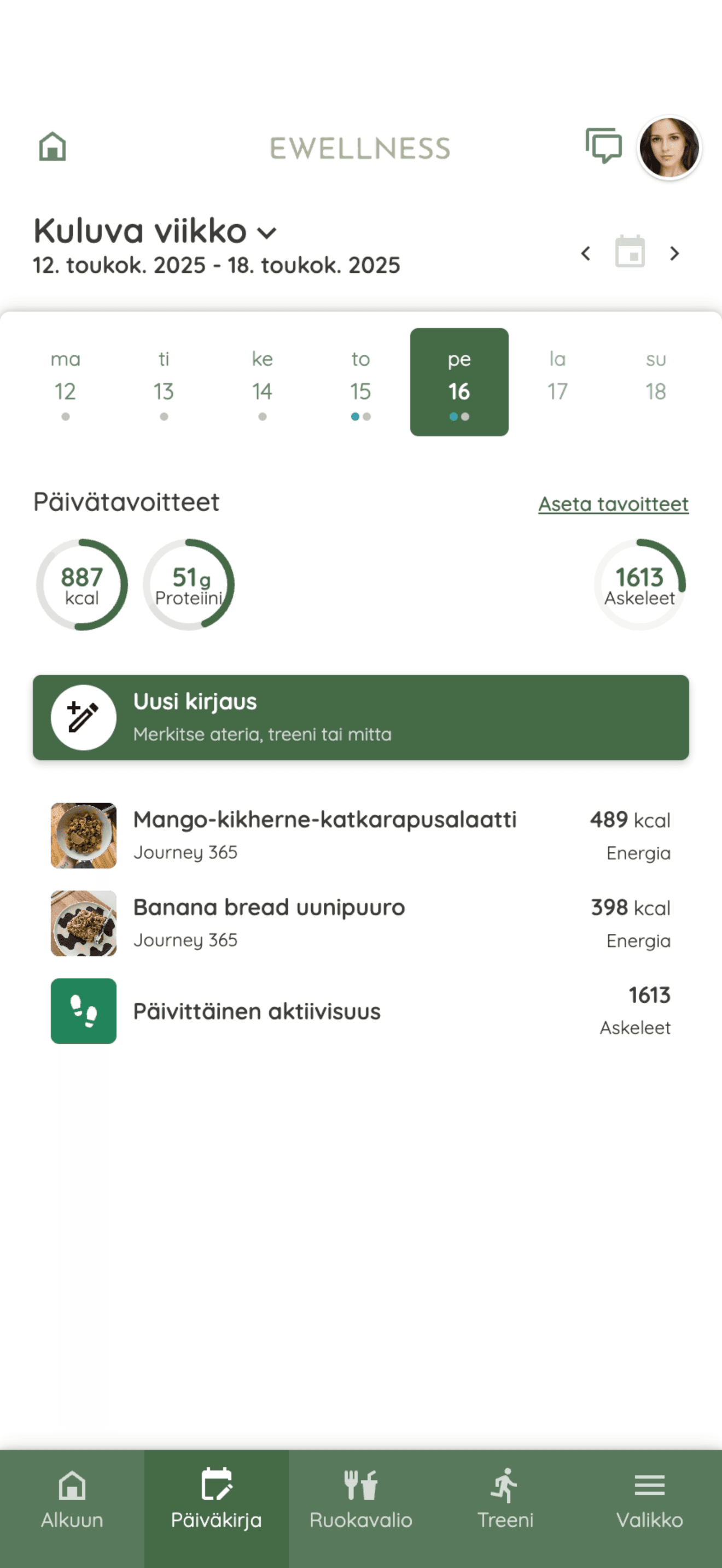
- Food diary: clients log packaged food by barcode and their own meals as macros, and you see each day against their targets
- Clients copy a recipe's ingredients to a shopping list with one tap
Progress & tracking
Check-ins, measurements and steps in one place. Go through the client's journal and submitted tasks week by week, and any entry opens its long-term history, trends and graphs.
- Build your own check-ins: questions branch on the answers, several can run at once and you schedule them freely
- Steps and workouts come from the client's watch or ring through Apple Health or Android Health Connect, with no sharing step
- Apple Watch, Garmin, Polar, Oura, WHOOP, Samsung Galaxy Watch and Google Pixel Watch are just examples: any watch or ring that syncs steps and workouts with Apple Health or Health Connect works
- Weight and body measurements from the client's journal or a check-in
- Recurring habit check-ins
04 Communication that scales
Messages & check-ins
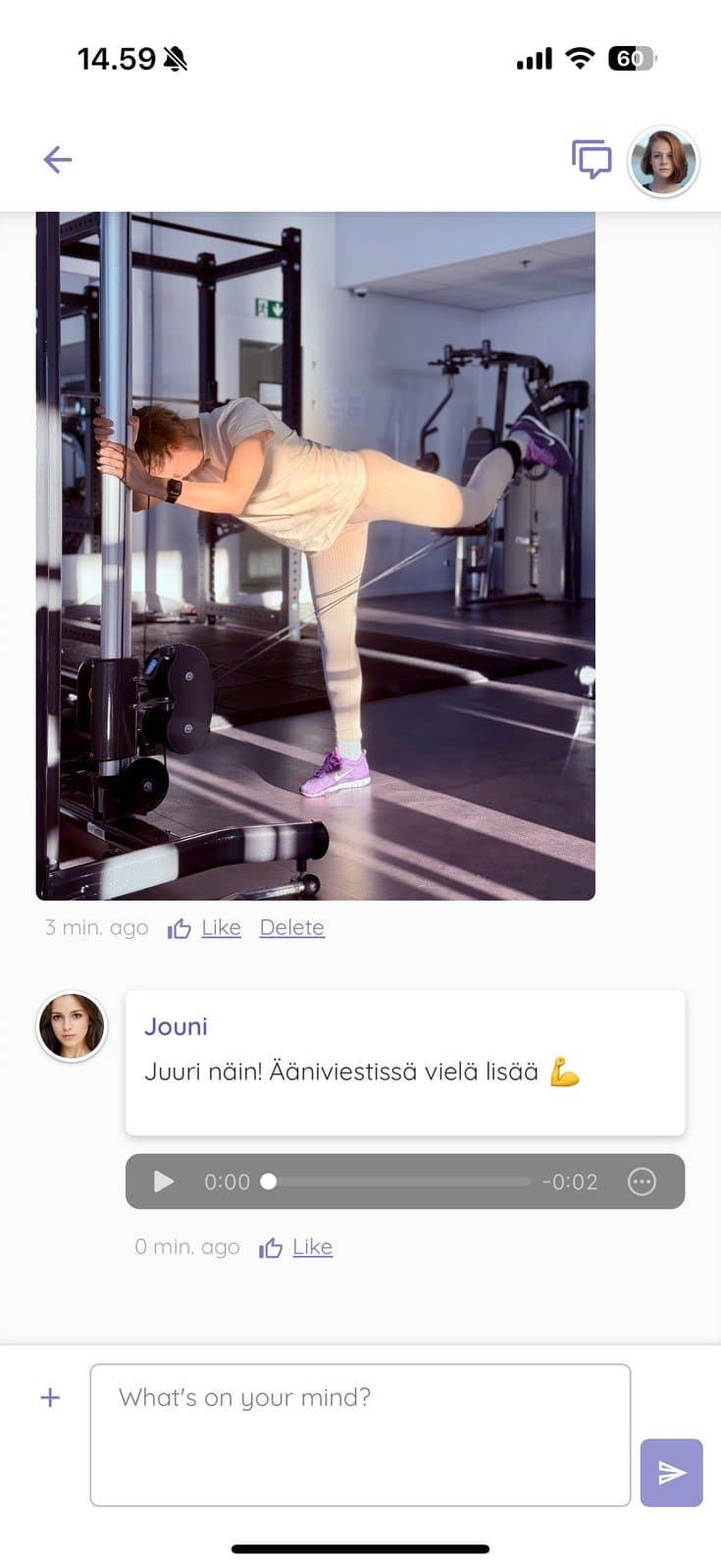
Program in a spreadsheet, meals in a PDF, check-ins in WhatsApp? In Trainda your client trains, logs food and messages you in one app. Private messages, 1:1 check-ins and community posts from the topics you choose gather in one queue on the front page of the coach dashboard, unanswered first. Reply with text, voice or video and mark it done without leaving the queue.
- Filter by answered or unanswered, by group coaching and topic, by coach or by client tag
- Voice messages and videos in chat
- Send one message to many clients at once
- Schedule posts in a group coaching's community
- Chat messages and attachments are stored encrypted
Reply to clients from one place, not five apps.
05–06 Growth and business
Run group coaching and courses, bill on your own terms and put your brand in front of clients.
Scale your coaching
One group coaching, several tracks: home or gym, beginner or experienced. Every client gets the program that suits them, so one size need not fit all. A cohort can run to hundreds or thousands of clients.
- A questionnaire you build picks each client's track from their answers
- Clients can switch tracks when their needs change
- A community for each coaching, with topic areas and threads, keeps clients engaged
- Your own starting tasks for each coaching
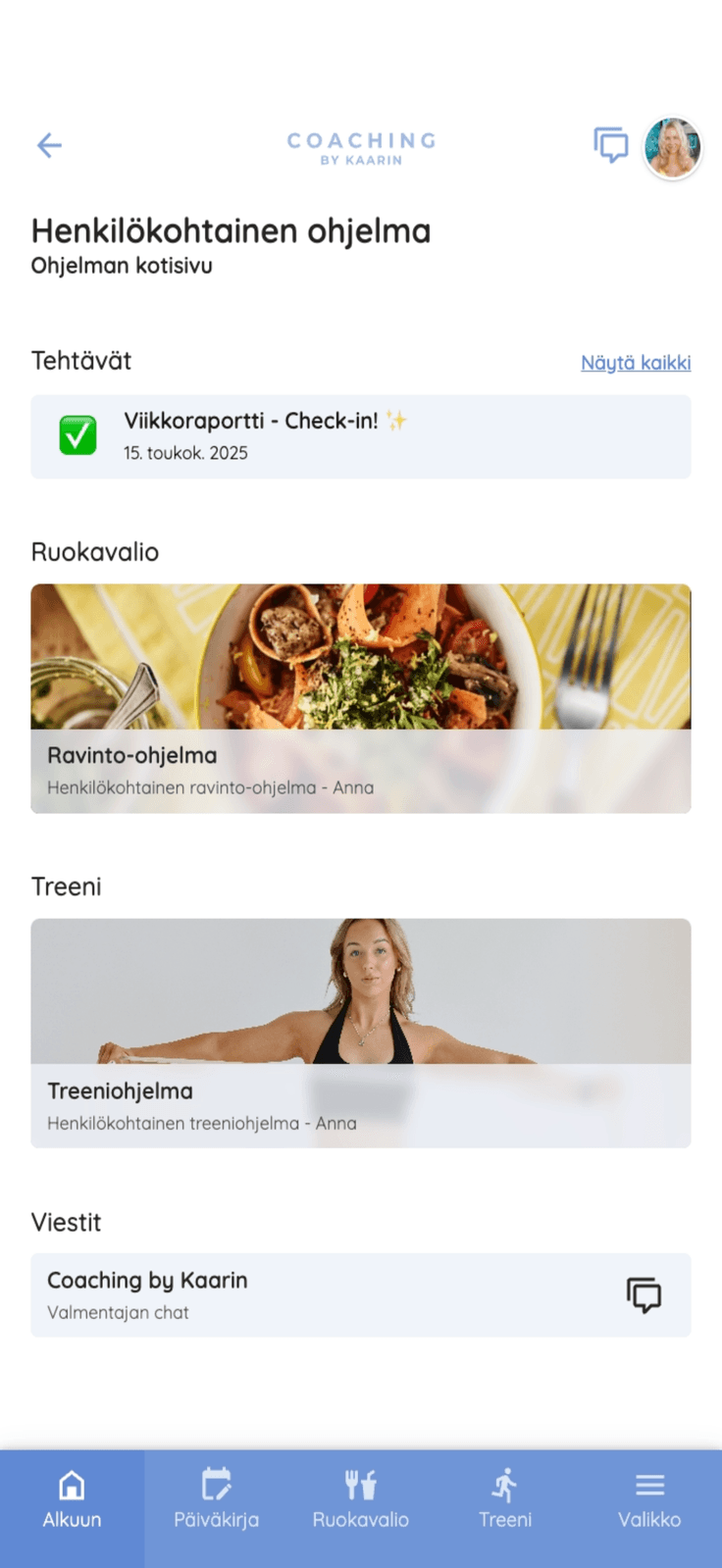
- Clients see on the app's home screen which tasks and workouts are due
- A course starts at purchase and runs at the client's own pace, with a community if you want one
- Several coaches in one account, extra coaches free on every paid plan
Coaching mostly one to one? Read how a community keeps clients and how an alumni membership keeps them after the program.
Payments & branding
Sell your coaching through Stripe with no sales commission. The Stripe account is yours.
- Stripe payments (subscriptions + one-offs): included in Growth, a paid add-on on Pro10 and Pro30
- No sales commission: Trainda takes no share of your sales
- Bill recurring coaching monthly, quarterly or yearly
- Sell one-off packages, courses for a single payment and bundles at a package price
- A subscription that unlocks a set of programs, with a limit on how many run at once
- Free, Pro10 and Pro30: the Trainda-branded client app
- From Growth onwards, clients see your logo and colors in the app when they join your coaching
- Enterprise: your own apps under your own name in the App Store, Google Play and the web browser
- Clients get the app menus in their own language: Finnish, Swedish, English, German or Estonian
See pricing for your roster
Pick a plan by included client seats. Upgrade when it makes sense.
See pricing